
Best Accounting Software for Small Business: How to Pick the Right Fit
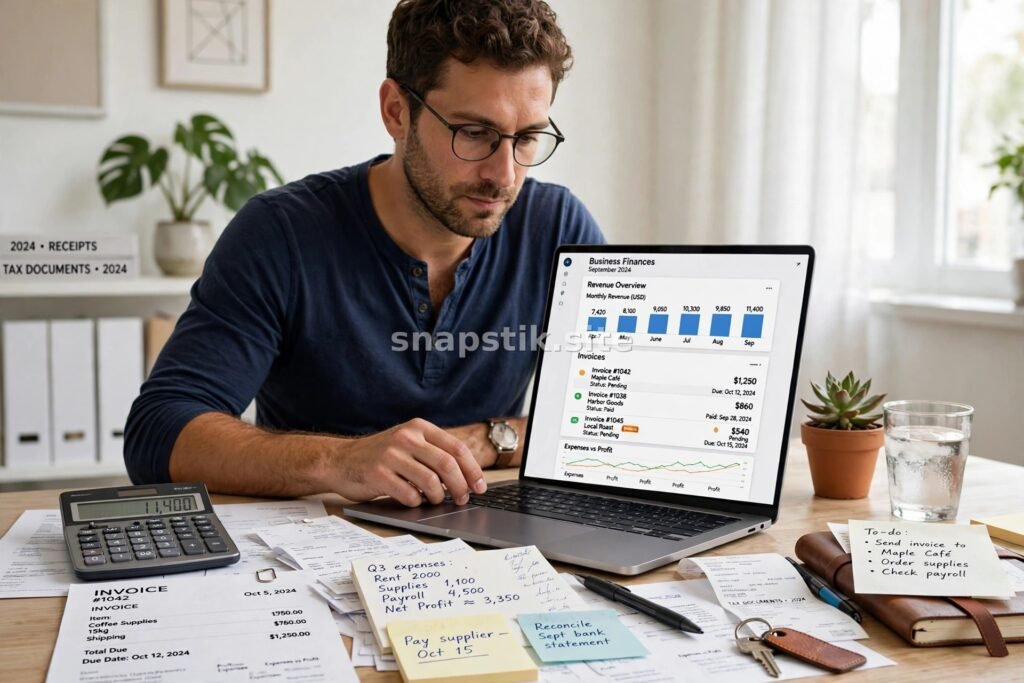
Good accounting software can save a small business hours every week. It tracks money in and out, sends invoices, chases late payments, and keeps records tidy for tax time. Without it, many owners juggle spreadsheets, paper receipts, and guesswork, which costs time and invites mistakes. The trouble is that there are dozens of options, and the right one depends on the size of your business, the way you work, and the features you actually need. This guide explains how to pick a good fit without paying for tools you will never use.
What Small Businesses Actually Need
Start with the basics: a way to record income and expenses, send professional invoices, and see at a glance whether you are making money. If you sell products, you may also need stock tracking, and if you employ staff, you will want something that works smoothly alongside payroll. If your accountant handles your year-end accounts, check what software they prefer, because working in the same system makes their job easier and can save you fees.
Think about how your business runs day to day. Do you invoice from your phone while out on jobs, or from a desk? Do you take card payments in person or online? Do you work with an accountant, a bookkeeper, or on your own? The answers narrow the field quickly.
Key Features to Compare
Once you know what you need, compare programs on the features that matter to your business. Most cover the essentials, but the details decide whether the software feels helpful or frustrating after a few months.
- Invoicing and quotes, with reminders for overdue payments
- Bank feeds that import and match transactions automatically
- Expense tracking, including receipt capture from your phone
- Reports that show profit, cash flow, and outstanding invoices
- Tax tools that help you prepare returns and track what you owe
- Connections to your bank, payment provider, and other tools
Invoicing and expenses
Invoicing is where many owners feel the difference first. A good system lets you create an invoice in a minute, send it by email, and see when it is viewed or paid. Automatic reminders for overdue invoices can improve cash flow without awkward phone calls. On the expenses side, photographing a receipt and having the details read automatically saves a surprising amount of time.
Reporting and tax readiness
Reports turn raw numbers into useful information. At minimum, you want a profit and loss report, a list of who owes you money, and a clear cash position. Better tools also help you set aside money for tax and prepare the figures your accountant needs. If you file taxes yourself, look for software that supports your local filing requirements and keeps an audit trail of every change.
Cloud or Desktop?
Most modern accounting software is cloud-based, so your data lives online and you can log in from any device. That makes it easy to work with an accountant in real time and check figures from your phone. Desktop software stores data on one computer, which some owners prefer, but it usually means manual backups and paid upgrades. For most small businesses, cloud software is the simpler choice, as long as you have reliable internet and are comfortable with a monthly subscription.
How to Choose the Right Fit
Shortlist two or three options and try them first. Nearly every provider offers a free trial, and a week of real use tells you more than any feature list. Enter a few real invoices, connect your bank feed, and run a report. If the software feels confusing on day one, it will probably still feel confusing in six months. Also check the support on offer. Helpful support matters most when a deadline is near and something goes wrong. Finally, think about the tools around your accounts. If you run payroll, our guide to the best payroll software for small business covers that side of the picture, and if you want to keep customer records in one place, our article on CRM software for small business explains how those systems work alongside your accounts.
Mistakes to Avoid
The most common mistake is choosing the cheapest option without checking whether it fits. A tool that cannot handle your invoicing volume or tax needs will cost more in wasted time than it saves in fees. Another is buying the most powerful package when a simpler one would do, since unused features only add clutter and cost. And do not forget the people side: if your team or accountant must use the software too, involve them before you decide.
This article is general information, not legal, financial or medical advice. Check the features, pricing, and terms of any software directly with the provider before you buy, and speak to a qualified accountant about your own tax situation.

HVAC Installation Cost: What to Know Before Replacing Your System

Life Insurance Quotes

Auto Insurance Quotes
About The Author

Beauty Hub
Beauty Hub is a small independent website sharing practical, honest guides on nails, beauty, skincare, fashion, watches, cakes and home decor — plus plain-English guides to everyday money topics. Everything here is researched and written by our own team, with images created by us for each article.